Those green, blue, and pink guide lines on the template are for your reference only as you prepare your artwork. We do not need these guide lines on your finished PDF.
If you left those lines in your design and they are visible in the PDF that you send to us, they may be printed as part of your design.
We will make every effort to remove those guides, but sometimes they are embedded in the artwork and cannot be removed by us. You will need to go back to your original, layered design file and save / export WITHOUT the template guides present.
If you look at the PDF you are uploading to us, and you see the template guides, like this:
Bad
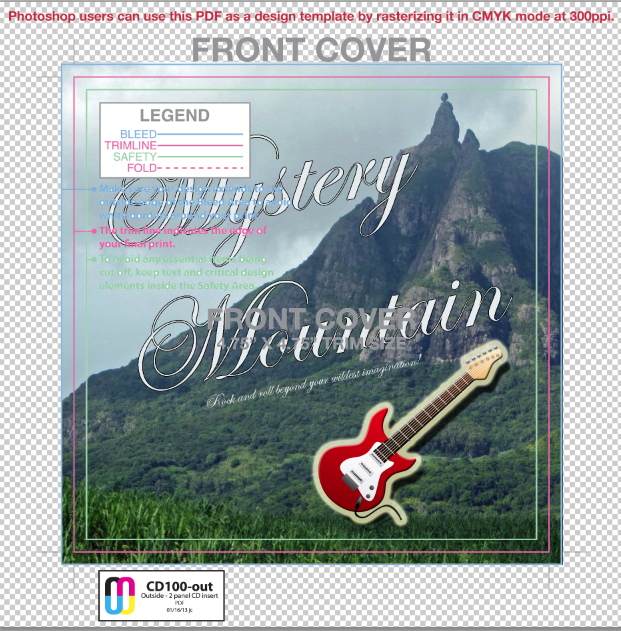
Please go back to your design file, REMOVE the template guides by hiding or deleting the guides layer, export or save this new version.
If you check the PDF you are about to upload and do NOT see the template guides, you are on the right track!
Good
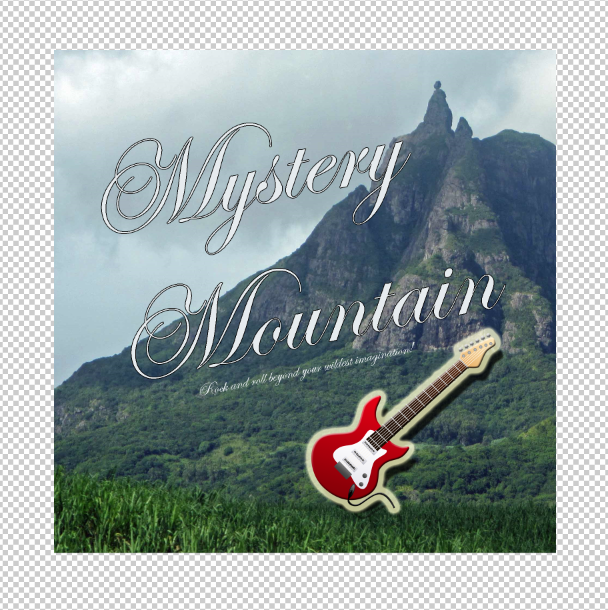
Pro Tip: Sometimes when designing your artwork, you may accidentally include an element you want printed on that template layer....and when you remove the template layer, you also remove that bit you want on the finished art (it's usually the drummer's name...weird, i know).
Be sure to double check your artwork after removing the template guides to ensure everything you want printed is still on there. (Nobody likes a grumpy drummer)